
Can I cancel?
Yes. On your class page, Manage billing opens Stripe's billing page. The licence runs to the end of the year you paid for.
Farstep for classrooms
One yearly Classroom licence. Every place on your devices and in your browser, the Classroom tour in the app, and a class code that opens Farstep on up to 35 student devices. Students need no account and pay nothing.
You sign in first: the licence lives on your account.
You have a Classroom licence.
 Class code · 35
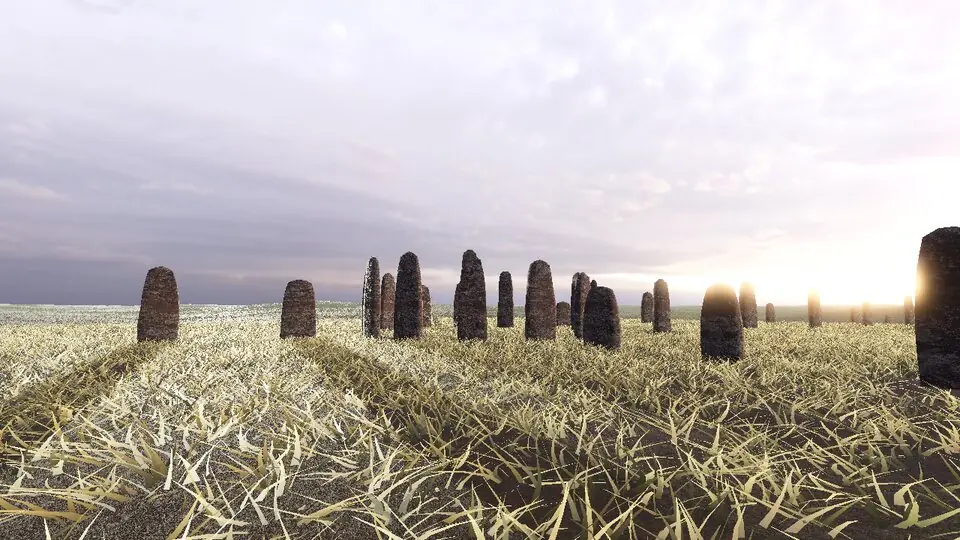
Every place walks in the browser. Nothing to install.
The free Farstep app, unlocked by the class code.
The Classroom tour in the app glides stop to stop with large captions and a Discuss prompt.
A seat is an anonymous device id. No names, no emails, no student accounts.
Yes. On your class page, Manage billing opens Stripe's billing page. The licence runs to the end of the year you paid for.
Yes. Sign in with the same account in the app (Settings, Account) and here, and your class page works on the web too.
They lock again within a few days. Renew and the same class code keeps working.
Nothing personal. A seat is a random id for a device or a browser. You see how many seats are in use, never who.